Facebook: The Original Data Hoarder
Twice now I have deleted Facebook. Came back both times.
The first deletion happened in 2019. I had been ignoring the privacy discourse for months, assuming it did not apply to me because I barely posted. Then, on a quiet Sunday, I found the Off-Facebook Activity setting. It showed me a list of over 400 apps and websites that had been sending my browsing data to Meta. IRCTC was on that list. A health forum I had visited once after googling a knee pain symptom was on that list. An ICICI Bank page where I had checked a credit card offer. All of it tied to my ad profile. I deleted the account that evening.
I came back three months later. A cousin's wedding was being organised entirely through a Facebook group. Nobody sent separate invites. Nobody called. If you were not in the group, you did not know the venue had changed or that the mehendi was moved to Saturday. That is the hold Facebook has on Indian social life. It is not the content that pulls you back. It is the infrastructure.
The second deletion was in 2022. I had deactivated the account, thinking that was good enough. Then I discovered that Meta still uses deactivated profiles for ad targeting. Your data does not sleep when you do. The profile sits in their system, the ad profile stays active, and advertisers can still target you based on everything you did before deactivation. I deleted the account properly that time. Came back six months later because a housing society notice was posted only on Facebook, and the secretary refused to use WhatsApp groups for official communications.
The thing that gets me about Facebook is not the volume of data it collects. It is the breadth. Your profile information is the obvious layer: name, age, workplace, education, relationship status. Below that sits a behavioural layer that most users never see. Facebook tracks every post you pause on while scrolling, even if you never interact with it. It records every search you type into the bar, including ones you delete before hitting enter. Every Marketplace listing you linger on. Every time you open the app, how long you stay, which sections you visit, and what time you close it. Your device information: IP address, battery level, signal strength, available storage space, Bluetooth devices nearby, Wi-Fi network names. If you ever granted location access, a full history of your physical movements while the app was open.
Messenger adds another dimension. Every text message, voice clip, and photo you send through it. Meta says end-to-end encryption is now default on Messenger as of late 2023, and that is true. But encryption covers message content. Metadata is a different category. Meta still knows who you message, how often, at what times, from which locations, and for how long your conversations last. That metadata alone is enough to map your closest relationships, your daily schedule, and your communication patterns without reading a single word.
Then there is the off-platform tracking, which is what turned me into someone who writes paragraphs like these. Facebook Pixels are embedded on millions of websites across the internet. Any time you visit a site that has a Pixel installed, and you are logged into Facebook on the same browser, your visit gets logged and attached to your Facebook ad profile. Shopping sites, news portals, health information pages, government service websites, insurance comparison tools. The data flows into a profile that advertisers use to target you with what Facebook calls “relevant ads.”
I looked up my Off-Facebook Activity list before deleting the second time. It had grown to over 600 entries. Banks, airline booking sites, a pharmacy app, two different hospital websites, three job listing platforms, and dozens of news sites I had visited once and forgotten about. Each entry meant that site had sent Facebook information about my visit. Not the content I viewed, necessarily, but the fact that I was there, how long I stayed, and what category of page I looked at.
Privacy controls that actually do something: The most impactful setting is under Settings > Accounts Centre > Your Information and Permissions > Off-Facebook Activity. You can clear the entire history and disconnect future activity so that new website visits are no longer linked to your profile. Under Ad Preferences, toggle off activity-based ad targeting. Lock down profile visibility: who can see your posts, your friends list, your photos. Review and remove connected apps under Settings > Security and Login > Apps and Websites. The full cleanup takes about 20 minutes. It reduces the ad targeting significantly but does not stop the data collection itself. Facebook still collects the data. The settings just limit what it does with it for advertising purposes.
I still think Facebook is the worst of the major platforms for privacy. It is also the hardest one to leave if you live in India. Family WhatsApp groups are one thing, but Facebook groups for housing societies, school alumni networks, local community organisations, and neighbourhood events have no real alternative. If you decide to stay, do the full settings cleanup. If you manage to leave, download your data archive first. The file will be disturbingly large, and that is worth seeing at least once.
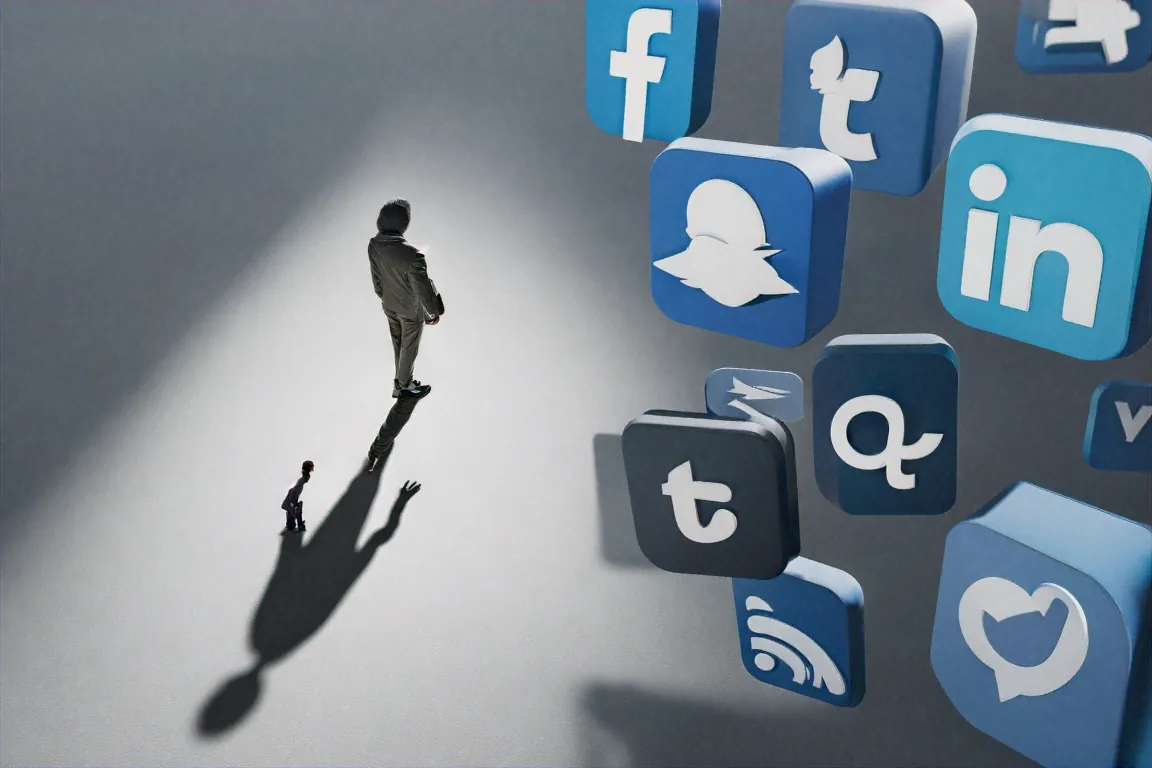
Instagram: Pretty but Nosy
Instagram feels lighter than Facebook. The feed is visual, the vibe is casual, and the whole experience has a polish that makes you forget you are being watched. That feeling of lightness is a design decision, not a privacy feature. Instagram is owned by Meta, runs on the same data infrastructure as Facebook, and feeds into the same advertising engine. If your Facebook and Instagram accounts are linked through Meta's Accounts Centre, data flows between the two without restriction. Meta pushes hard to get users to link these accounts, and most people do it without thinking twice because the prompts are persistent.
What Instagram tracks that might surprise you: dwell time. The app measures how long you look at each photo and video in your feed. Not just what you tap, like, or comment on, but what catches your eye. Scroll past a photo quickly? Instagram records that as low interest. Pause on someone's Story for a few extra seconds? Recorded as high interest. This data builds an attention map: a profile of what kinds of content, products, aesthetics, and people hold your gaze. It is more revealing than your like history because it captures interest you did not intend to express.
There is also the photo analysis. Instagram uses computer vision AI to examine the content of images you upload. It can identify objects, locations, visible text, brand logos, and faces. If you post a photo at a Starbucks, Instagram knows it is a coffee shop even if you do not tag the location or mention coffee in the caption. If someone in the photo is wearing a particular brand of watch, the system can flag that as a brand affinity data point. Meta holds patents on this kind of image analysis for advertising purposes. This is not a secret program or a leak. It is disclosed in patent filings and referenced in Meta's advertising documentation.
DMs are now end-to-end encrypted by default for one-on-one conversations, matching the change made on Messenger. Group chats on Instagram are not encrypted. And as with Facebook, metadata remains visible to Meta regardless of whether the messages themselves are encrypted. Who you talk to, how often, and when tells a story even without the words.
Privacy controls: Making your account private is the single most impactful change you can make on Instagram. It limits your posts and Stories to approved followers only. Beyond that, turn off Activity Status so people cannot see when you are online. Disable Contact Syncing under settings so Instagram stops periodically uploading your phone's contact list to its servers. Under Accounts Centre > Ad Preferences, turn off interest-based ads. If you use Instagram mainly for browsing rather than posting, try accessing it through Firefox with uBlock Origin instead of using the app. You lose Stories and Reels, but you cut a large portion of the behavioural tracking.
I use Instagram. I enjoy it. I follow photographers whose work genuinely improves my morning scroll, and recipe accounts that have taught me to cook things I never would have tried. The trade-off between privacy and value feels slightly better here than on Facebook because I get something back that I care about. But I am not confused about what is happening. Instagram is Facebook wearing a nicer outfit. The data collection is the same engine, just presented with better typography and a filter over it.
Twitter/X: Loud Tracking, Quiet About It
Twitter gets less privacy attention than Meta's platforms, partly because it collects less data in total and partly because people are so distracted by the content moderation fights and the ownership drama that nobody has energy left to examine the tracking. But Twitter does track you. Some of what it collects gets missed because the platform does not feel like a surveillance tool. It feels like a town square where people shout. That informality is deceptive.
The basics are similar to other platforms: tweets, retweets, likes, bookmarks, DMs, lists, search history, and every account profile you view. Twitter also logs which tweets you spend time reading, which links you tap, and how long you stay on external pages before you return to the app. Device information, IP address, and approximate location are collected even if you never grant precise location access. Twitter infers where you are from your IP address and network data.
Where it gets interesting is the advertising partner layer. Twitter has a tracking tag called the X Pixel (formerly the Twitter Website Tag) that works like Facebook's Pixel. Website owners embed it, and your visits are sent back to Twitter and matched to your account. The number of websites using Twitter's tag is far smaller than Facebook's tracking network, so the off-platform footprint is narrower. But it exists, and most users do not know it does.
The thing that gets me about Twitter is the default settings. Under Settings > Privacy and Safety > Data Sharing and Personalization, there is a toggle called “Allow additional information sharing with business partners.” It is turned on by default. This means Twitter shares data about your activity with advertising partners, and those partners send data back about you. A two-way exchange running silently in the background, enabled from the moment you create an account.
DMs on Twitter are not end-to-end encrypted for most users. Encrypted DMs were announced in 2023 and partially delivered. The feature only works between verified (paying) users, only covers text messages (not images or group chats), and requires both participants to have the feature turned on. For the vast majority of Indian Twitter users, your DMs are readable by the company.
Twitter is the least data-hungry of the major platforms, mostly because its advertising business is smaller and its tracking network is less sprawling. Whether that remains true depends on where X goes next. The push into payments, commerce, and video suggests the data collection will expand. For now, though, it is the least invasive option, and that is a sad way to rank a social network.
YouTube: The One Nobody Thinks About
People rarely include YouTube in conversations about social media privacy. It sits in a different mental category. It is where you watch videos, not where you post personal updates. But YouTube is owned by Google, and Google's advertising business is built on knowing what you are interested in. YouTube is one of the richest signals Google has for building that picture.
Every video you watch, every video you pause and come back to, every video you search for, every ad you skip, every ad you watch fully, every channel you subscribe to, and every comment you leave is logged. YouTube also tracks what you almost watched. If you hover over a thumbnail and then scroll away, that brief moment of consideration is recorded. Your watch history is one of the most detailed behavioural profiles any platform builds, because video consumption reveals interests that people do not express through text posts or photo sharing.
Someone's YouTube history tells you what they are worried about (health videos watched at 2 AM), what they aspire to (property tours, career advice), what they find funny, what music they listen to when alone, what political commentators they follow, and what purchases they are considering (product review videos). This data feeds Google's ad targeting across all Google properties, not just YouTube. If you watch a review of a particular phone on YouTube, you will start seeing ads for that phone on Google Search, Gmail, and any website running Google Ads.
YouTube also runs on a recommendation algorithm that is designed to maximise watch time. The algorithm learns your preferences from your viewing history, and it learns fast. Watch two videos about a topic and the home page starts surfacing more of the same. The data this generates about your interests is granular in a way that no other platform matches. Facebook knows what you click on. Instagram knows what you look at. YouTube knows what you sit through for twenty minutes.
Privacy controls: Under your Google Account settings, go to Data and Privacy > History Settings > YouTube History. You can pause watch history and search history separately. Pausing these reduces the personalisation of your recommendations and limits what Google can use for ad targeting from your YouTube activity. You can also set auto-delete for your YouTube history at 3 months, 18 months, or 36 months. Under Ad Settings, turn off ad personalisation. If you use YouTube without signing in or through a privacy-focused browser like Firefox with tracking protection enabled, you avoid most of the profile-building. You lose personalised recommendations, but the trade-off is that Google stops adding to your advertising profile with every video you watch.
YouTube is the platform where I am most conflicted. The recommendations are genuinely useful. I have found music, documentaries, and educational content through its algorithm that I would never have found on my own. But the cost of that usefulness is one of the most detailed interest profiles any company builds about any individual. And unlike Facebook or Instagram, where you have to actively post to generate data, YouTube builds a detailed profile purely from passive consumption. You can use YouTube for years without ever uploading a video or leaving a comment, and Google will still know more about your interests than most of your friends do.
Reducing the Damage Without Deleting Everything
I am not going to tell you to delete all your social media accounts. I have tried it, twice with Facebook, once with Twitter. Each time, I came back because something in my life required it. The advice to simply quit is not realistic for most people. Social media is woven into how Indians communicate with family, find local services, stay connected with old classmates, and keep up with news. Telling someone to delete everything is like telling them to stop using electricity because the power company collects usage data.
What you can do is reduce the surface area. Each platform has settings that limit how much data gets used for advertising, even if they do not fully stop the collection. The trick is knowing where those settings are, because none of them are in obvious places and none of them are turned on by default.
Start with Facebook if you still use it. Clear your Off-Facebook Activity and disconnect future tracking. This single setting change is the highest-impact privacy action you can take on any social platform. Then review connected apps. Most people have a dozen or more apps and websites connected to their Facebook account from years of using “Log in with Facebook.” Each connected app can pull data from your profile. Remove any you do not actively use.
On Instagram, switch to a private account if you do not need public visibility. Disable contact syncing. Turn off activity status. If you are comfortable with the trade-off, access Instagram through a browser with an ad blocker instead of the app.
On Twitter/X, the entire Data Sharing and Personalization section needs to be turned off toggle by toggle. It takes five minutes and dramatically reduces the data sharing with advertising partners. Also remove old third-party app connections.
On YouTube, pause your watch history and search history. Set auto-delete for whatever history remains. Consider watching without being signed in for casual browsing, and only sign in when you need your subscriptions.
Across all platforms, a few general practices help. Use different email addresses for social media accounts and for banking or government services. This makes it harder for data brokers to link your social media identity to your financial identity. Use a browser with tracking protection (Firefox is good, Brave is another option) for any social media you access through the web rather than an app. Review your privacy settings on every platform at least once every few months, because settings change, new options appear, and defaults sometimes reset after updates.
None of this makes you invisible. Every platform still collects data about how you use it, even with all the privacy settings turned to their strictest positions. The settings control what the platform does with the data for advertising purposes. They do not control the collection itself. That is a distinction most privacy settings pages do not make clear.
So where does that leave you? Every platform collects more than it needs. Each one has settings that reduce the damage, but none of them make you invisible. The honest answer is that using social media and having complete privacy are not compatible goals. You pick a point on the spectrum and live with the trade-off.


Comments (0)